
Nitrino

Nitrino is DevCollegium's own content management engine. Editors manage pages and publications, administrators configure templates, fields, and permissions, and developers extend the system to fit each website.
Used by:
 Tyumen city administration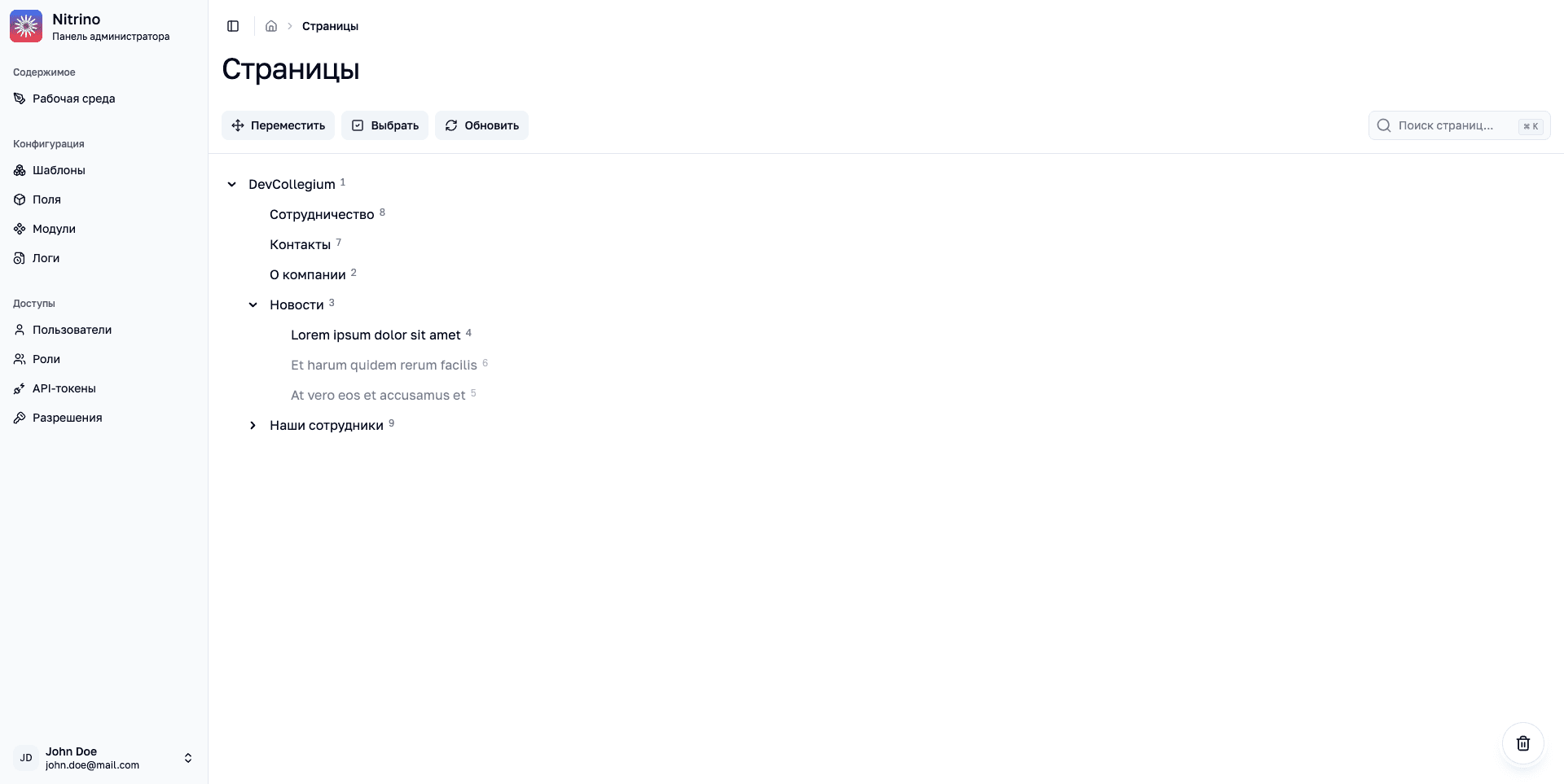
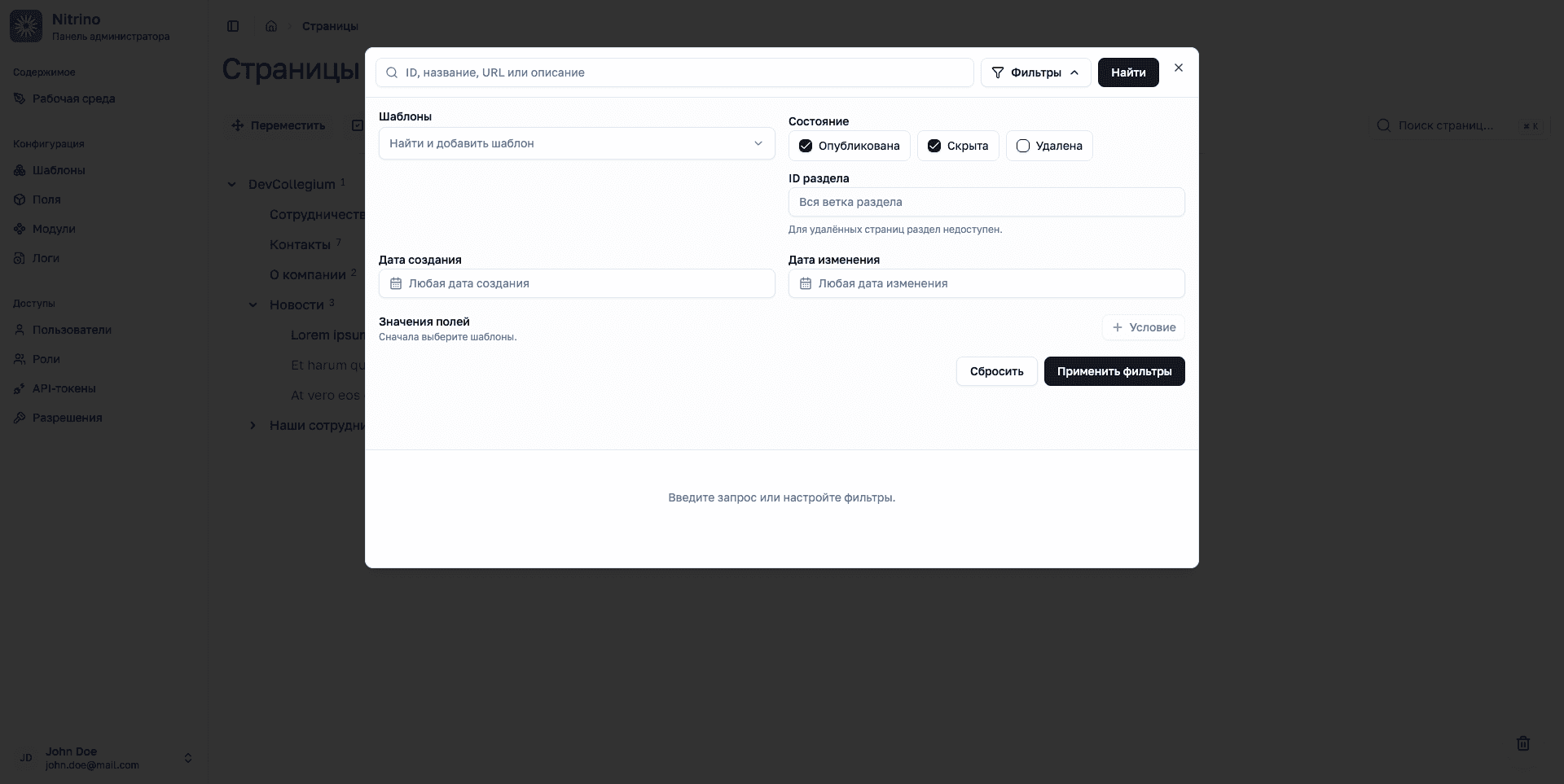
Find pages by their content and properties.
Search by title, URL, description, or identifier. Filters narrow results by template, publication status, section, dates, and field values.
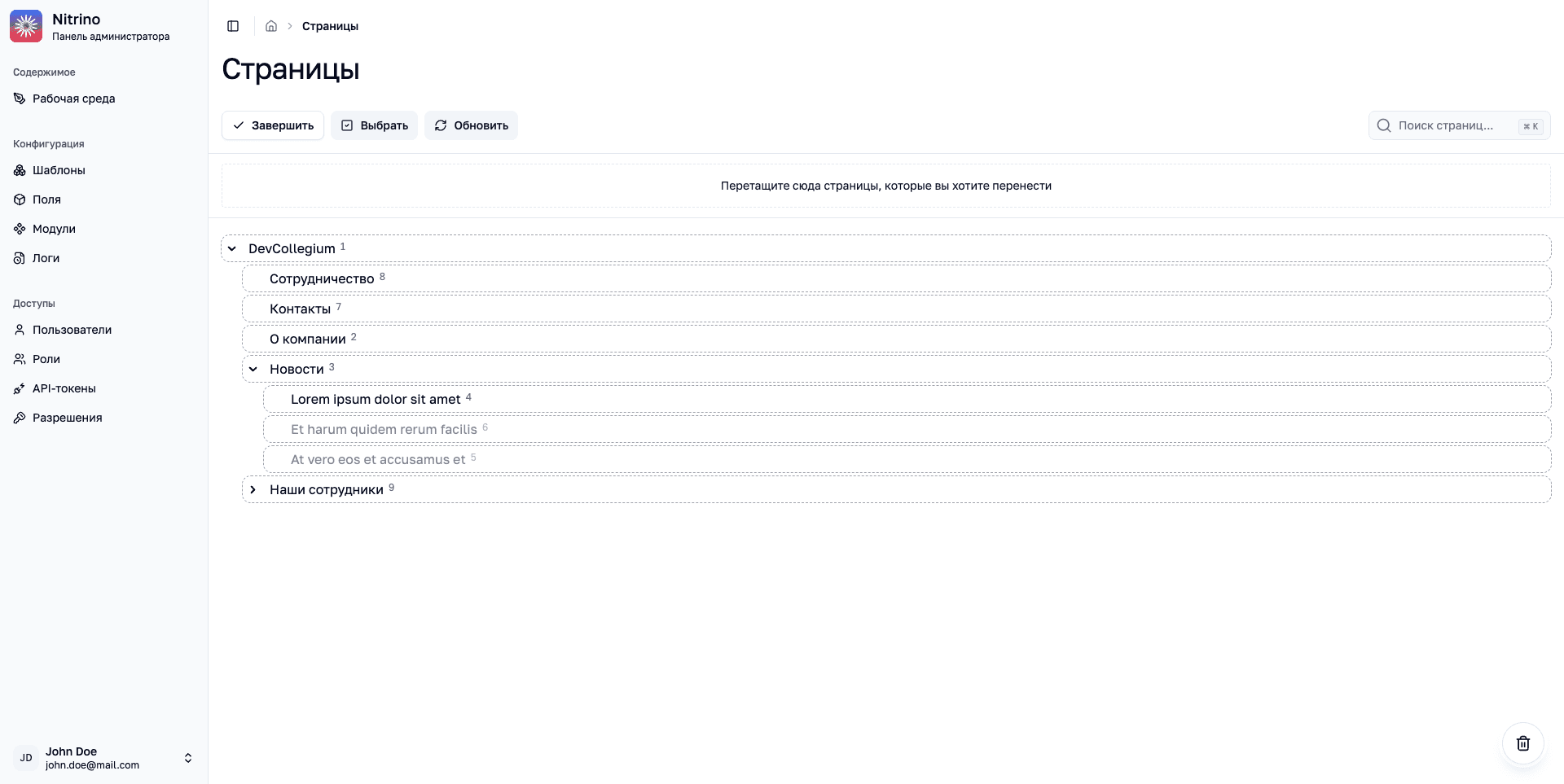
Reorganize the website by dragging pages in the tree.
A dedicated move mode lets editors change the position of pages in the tree, then return to working with content.
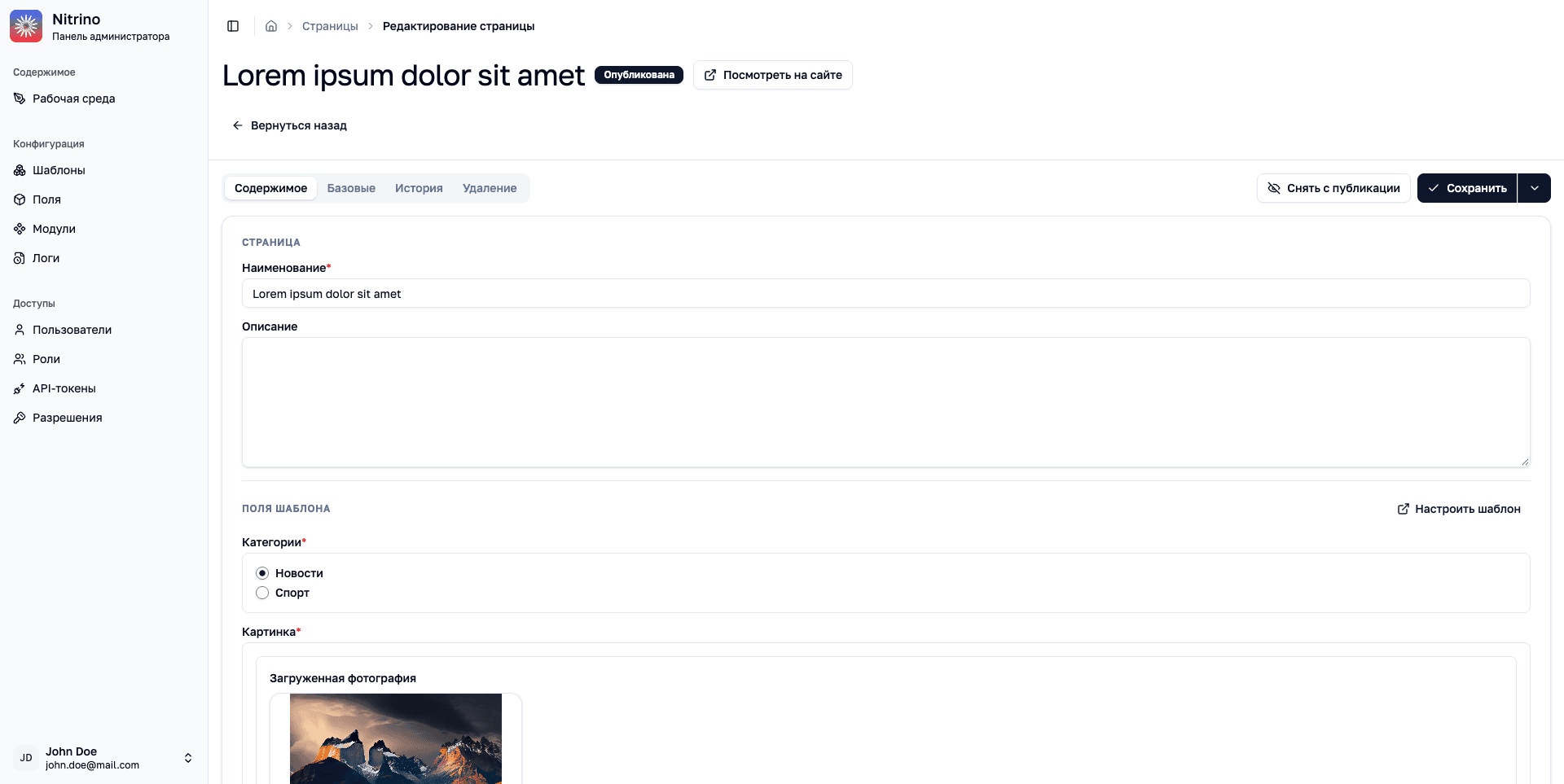
Content and publication are managed from the page editor.
The form is built from template fields: text, categories, and images belong to the same page.
Website templates are collected in one list.
Search by name or directory to find the right page type. Open an existing template from the list or add a new one.
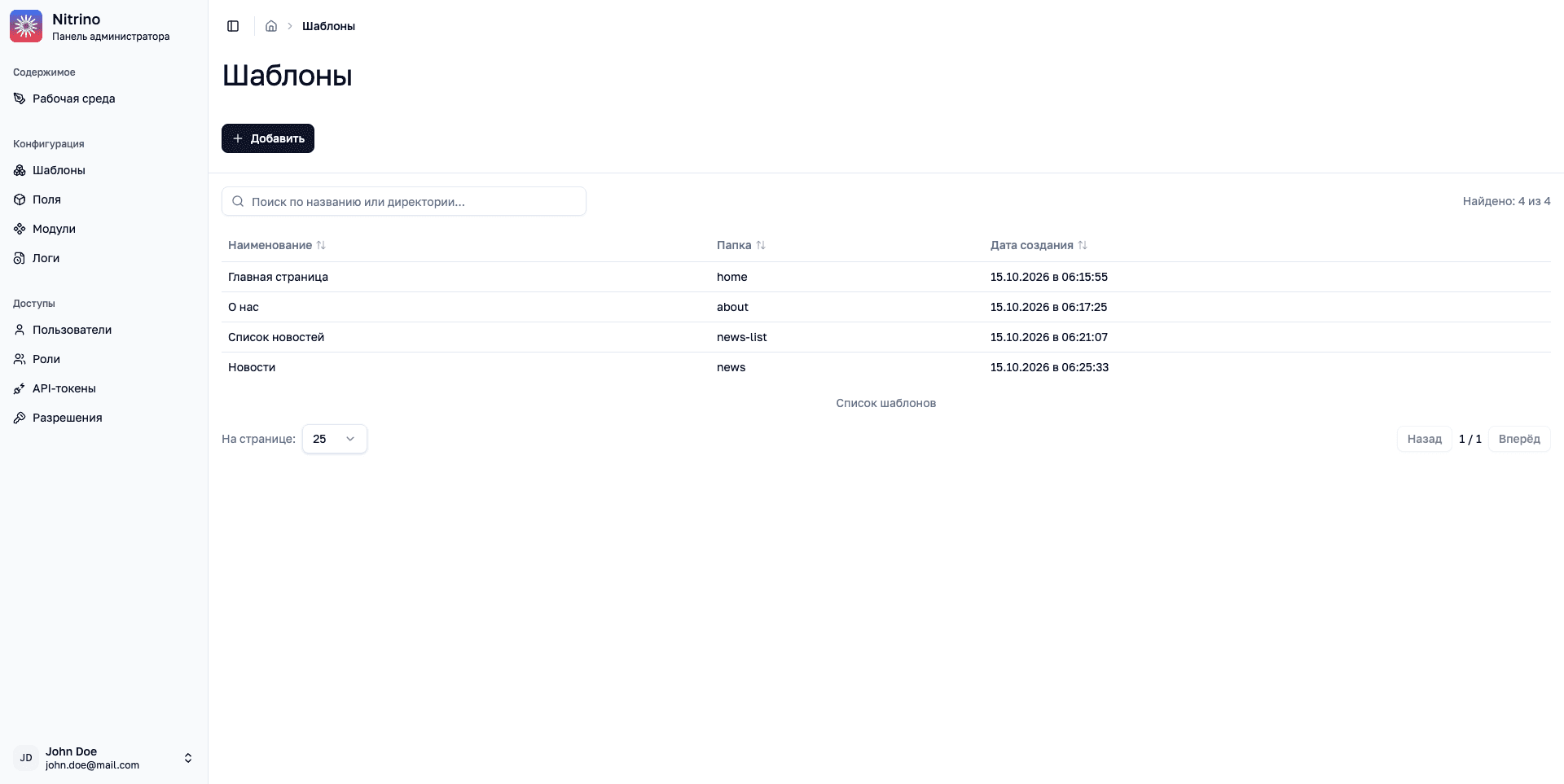
Each content type can have its own template.
Templates define fields and their order, access permissions, and rules for placing pages in the tree.
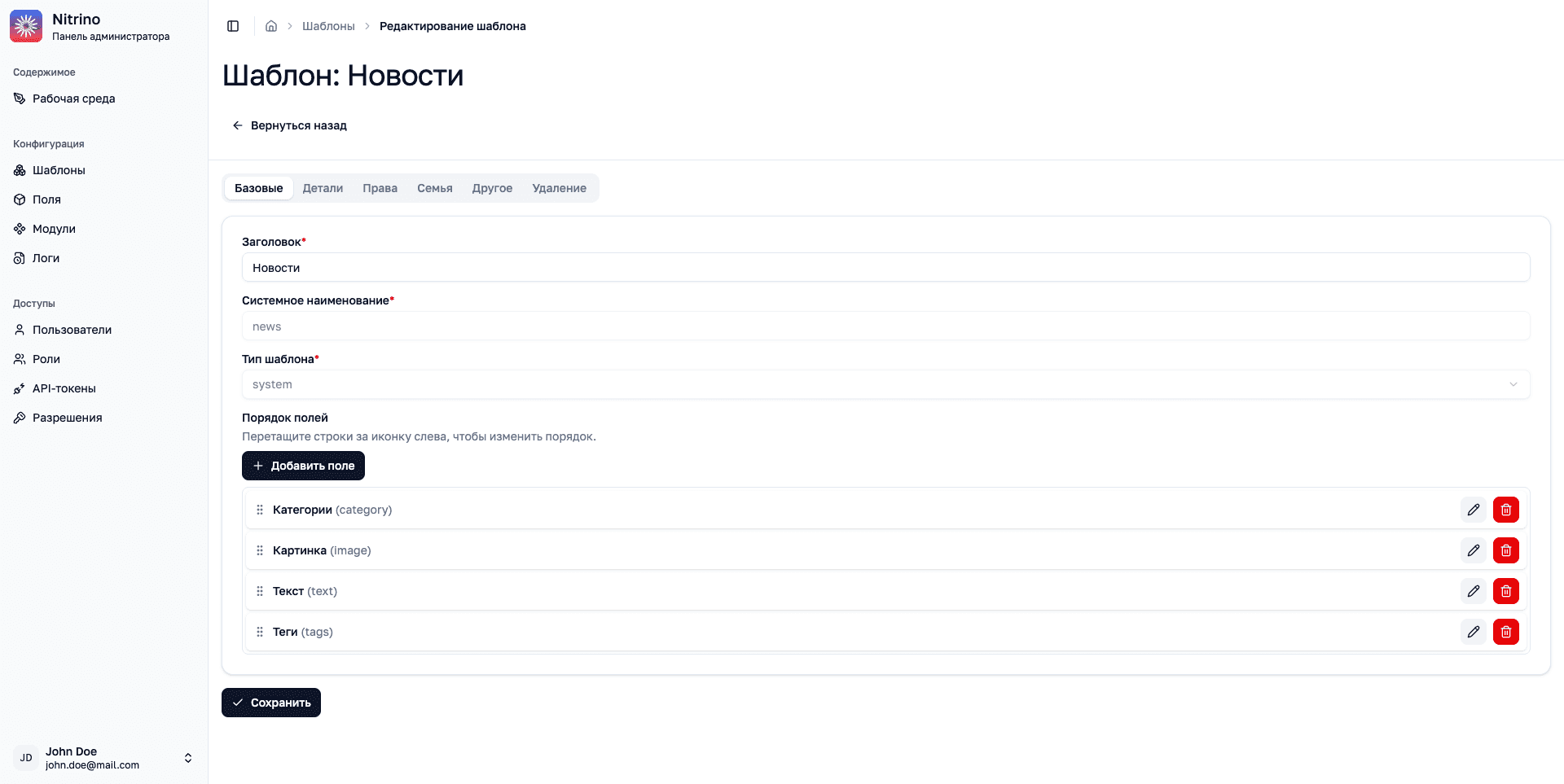
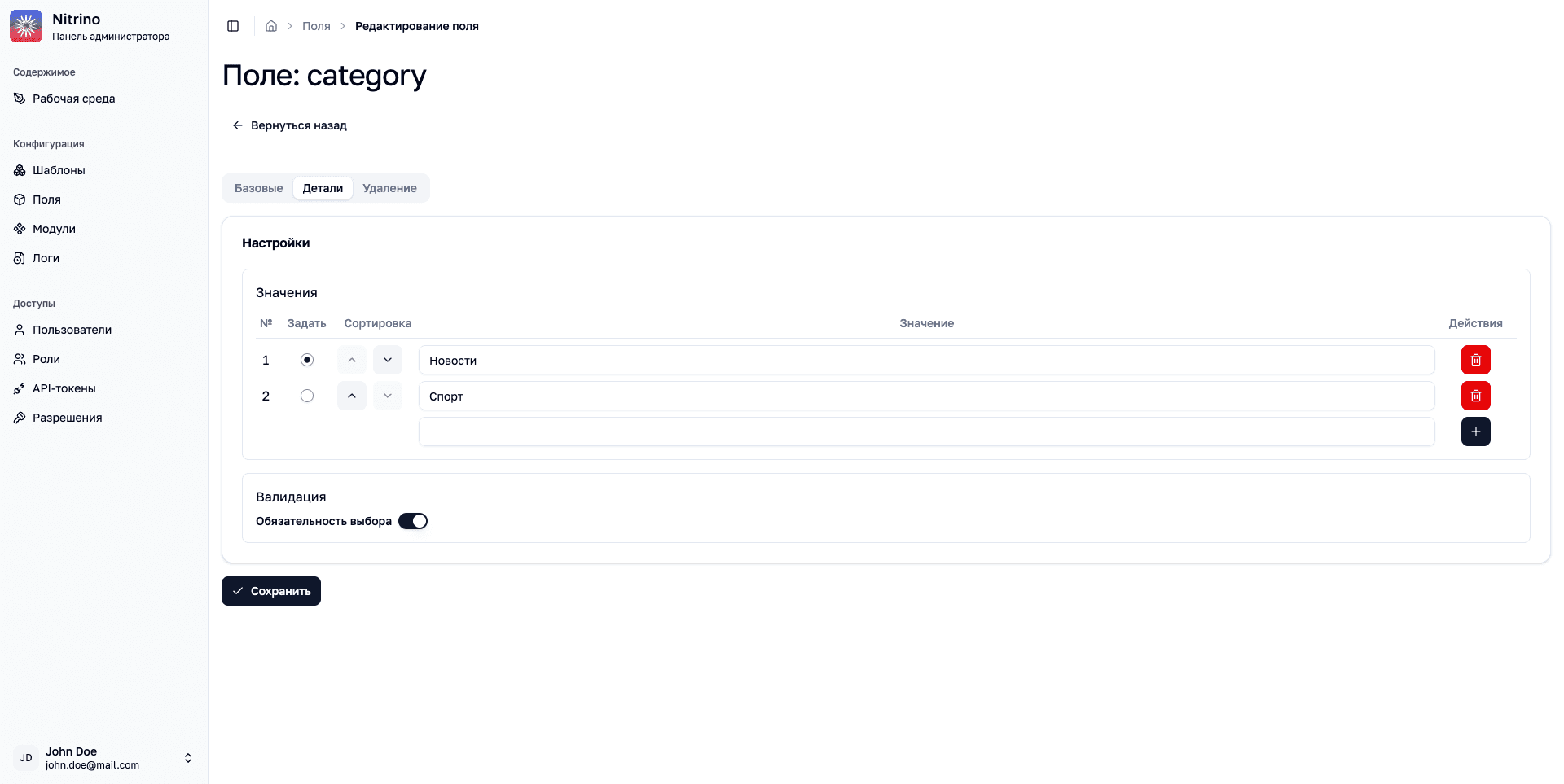
Fields define the data an editor can enter.
Field settings control available values, their order, and whether an entry is required.
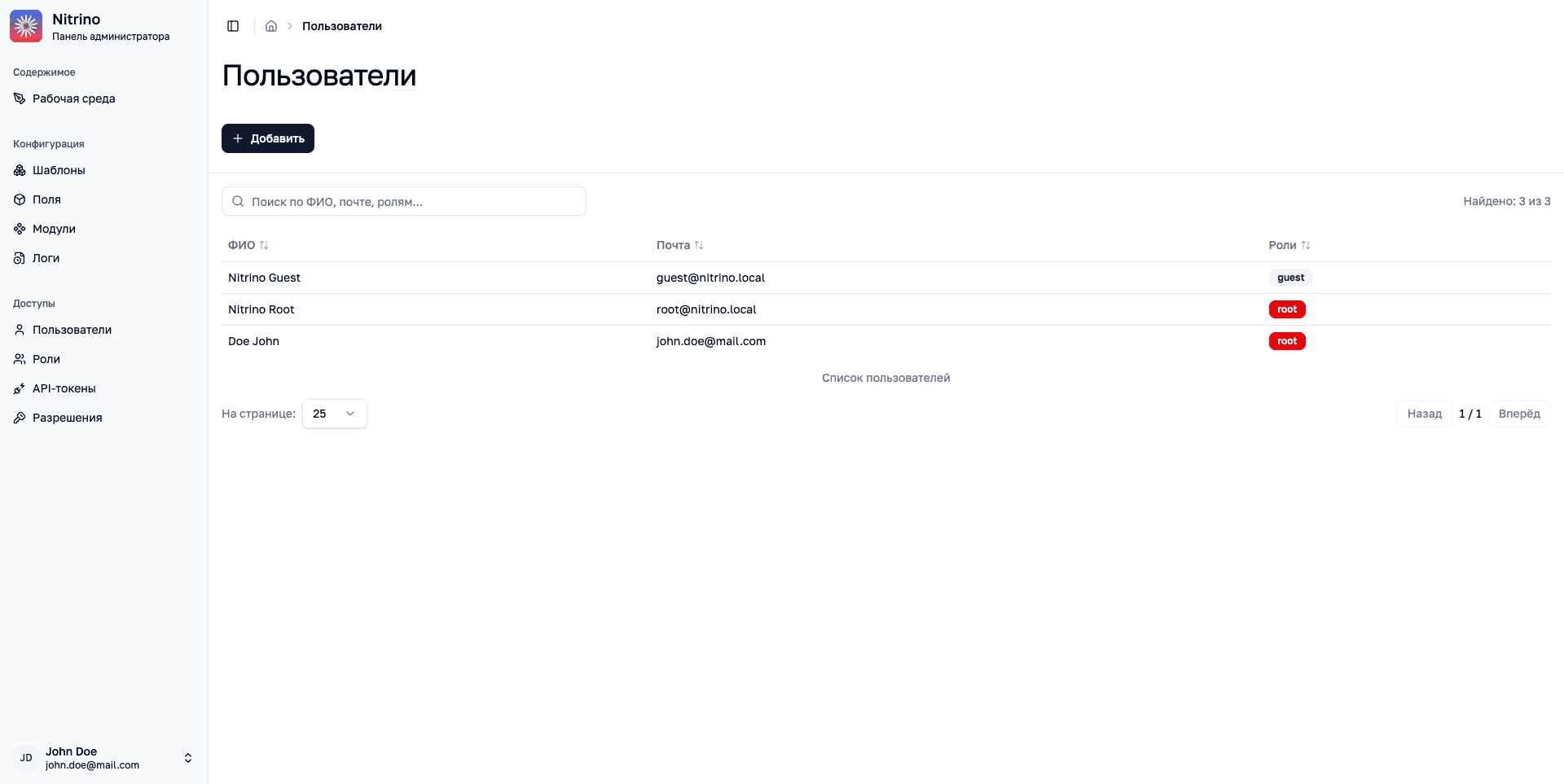
Administrators can see users and their assigned roles.
Find a person by name, email, or role, open their account, or add a new user.
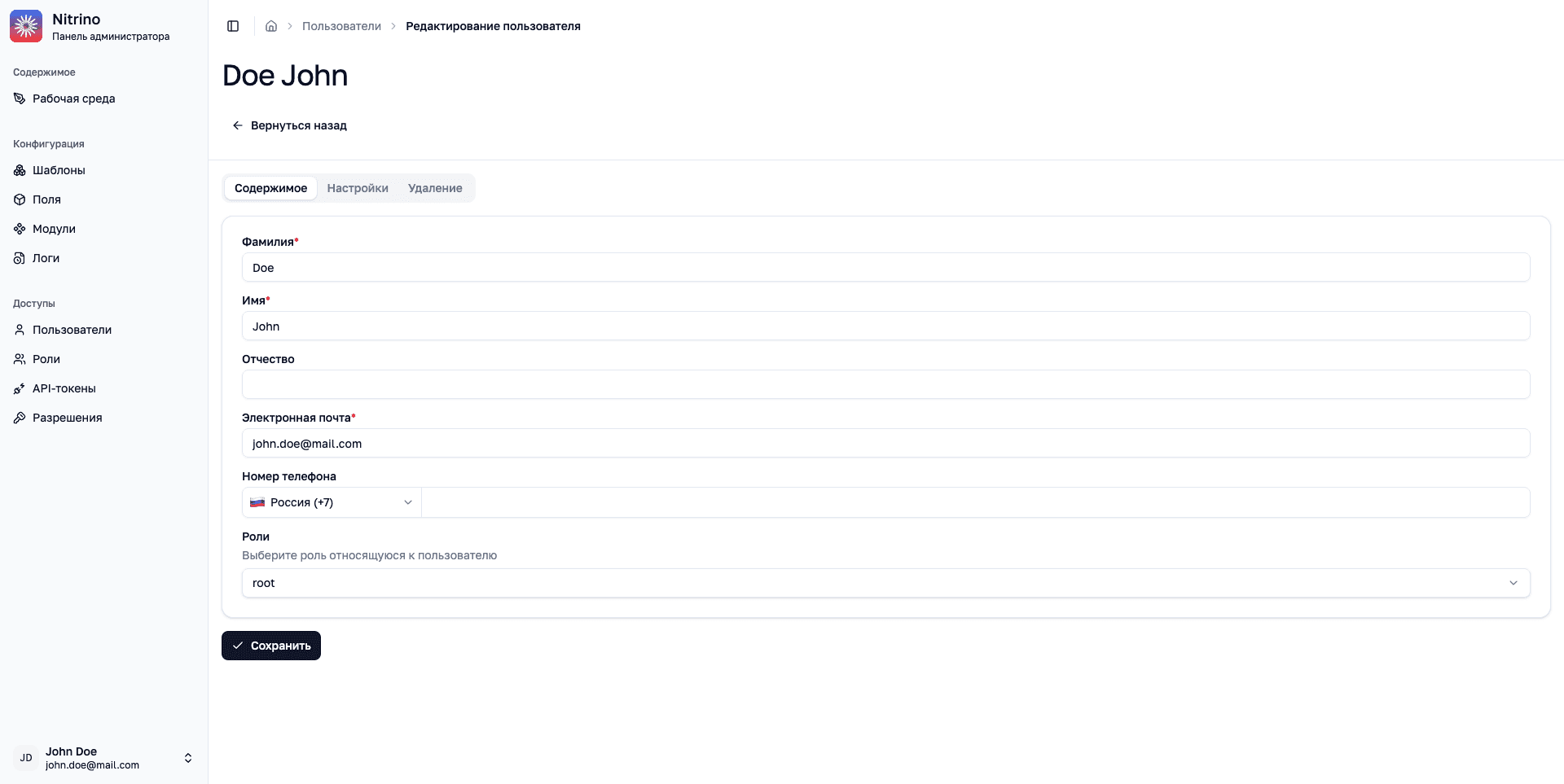
User details and roles are edited in one account form.
Name, email, phone number, and roles sit together. Administrators can update the account and assign access from the same screen.
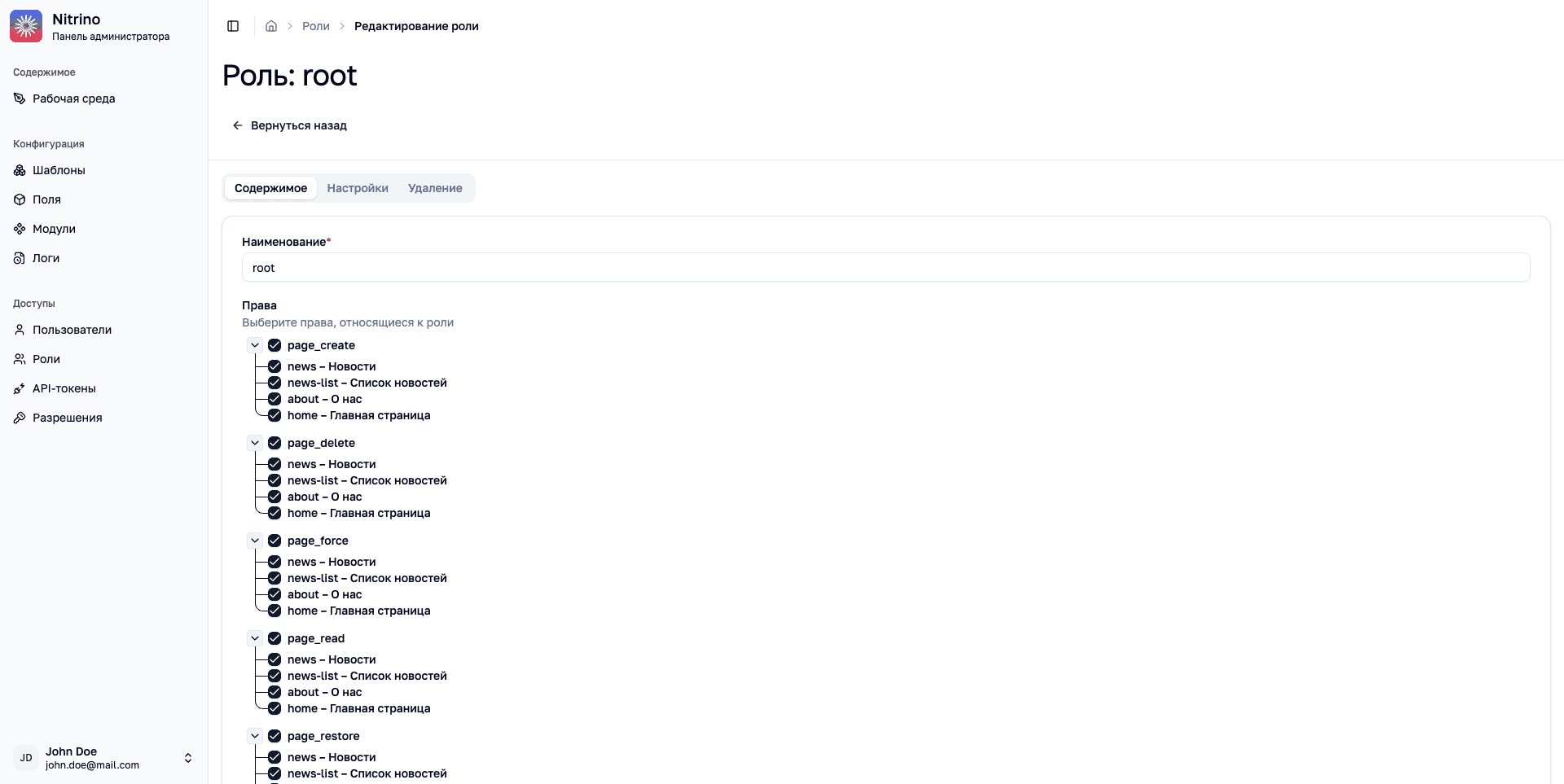
Access is configured by action and page type.
Roles determine who can read, create, update, and delete content for specific templates.
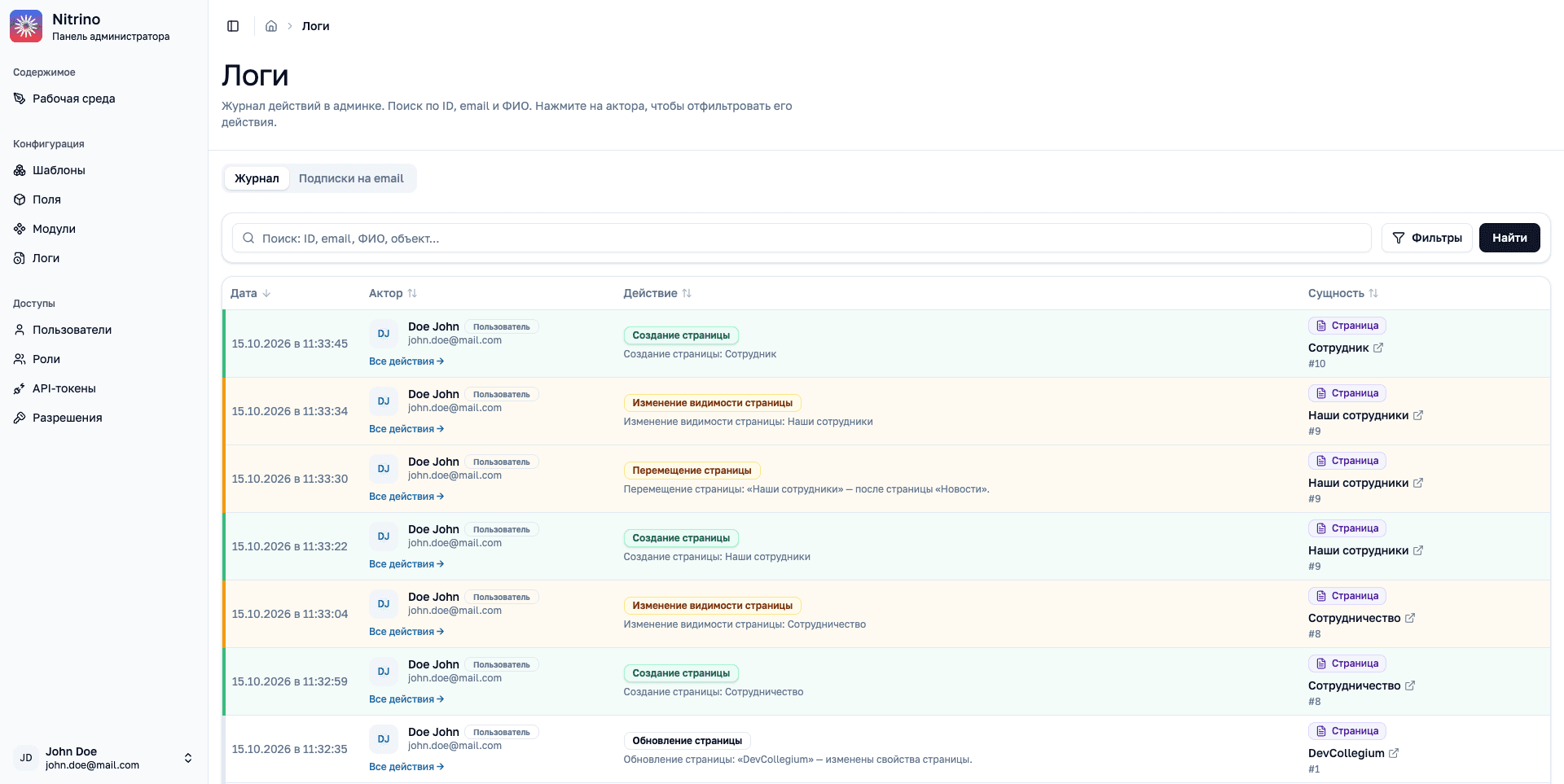
The log shows the sequence of actions across the system.
Each event records its time, author, action, and affected object. Search and filters help locate an entry; an author link shows all actions by that person.
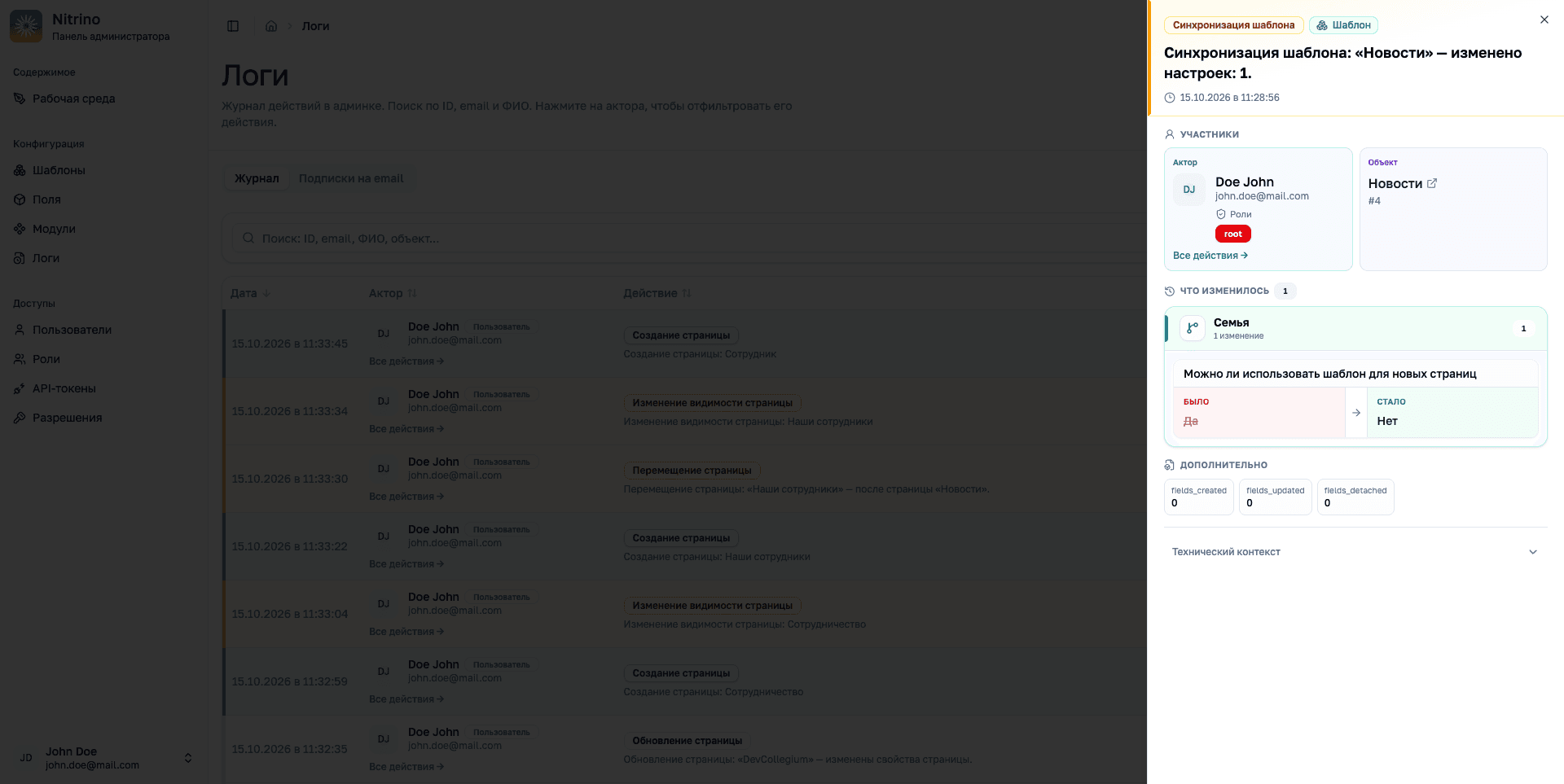
Changes retain their author, time, and details.
Open an audit event to see the affected object and compare values before and after the edit.
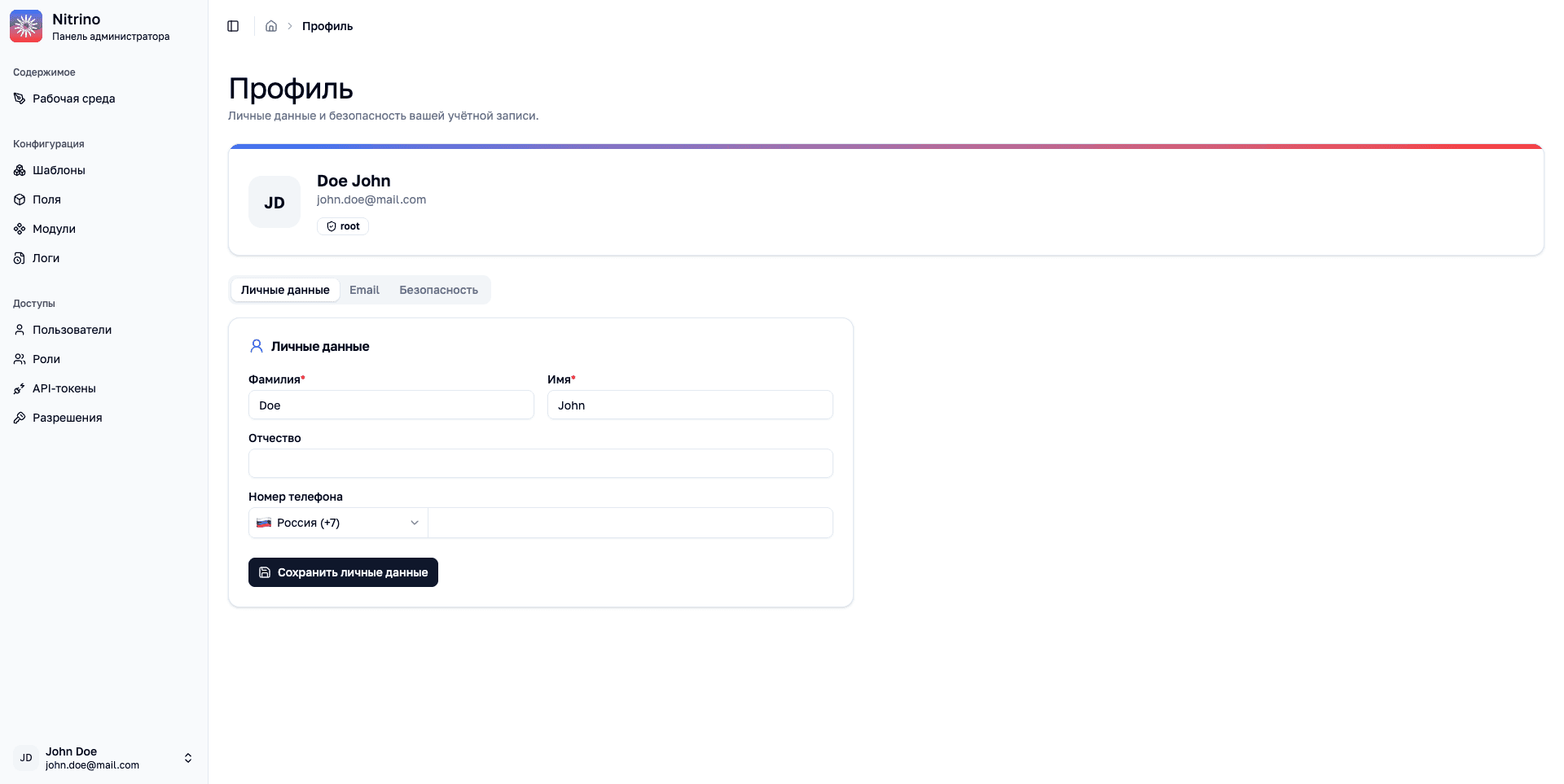
Users manage their own account from the profile.
Personal details, email, and security have separate tabs. The profile header shows the user’s name, email, and assigned role.
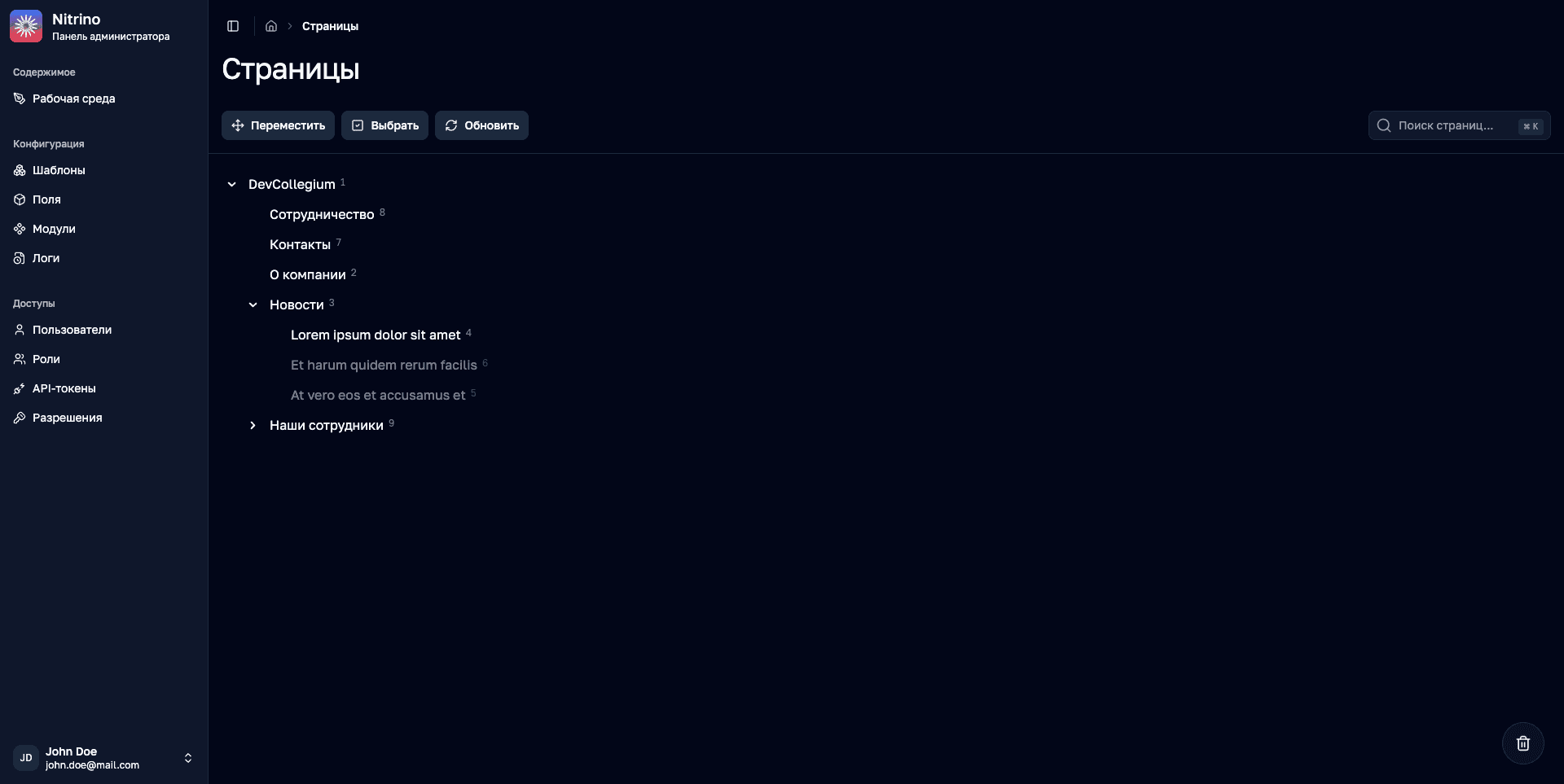
The admin interface also supports a dark theme.
The page tree, navigation, and main actions keep their familiar positions while the interface changes its color scheme.
Nitrino integrates with Laravel as a standalone package. The engine combines page models, field handlers, permissions, and auditing; templates can be defined in code and synchronized with the system.
Teams manage website structure, content, and access in one interface, while developers add the fields and integrations each project needs.